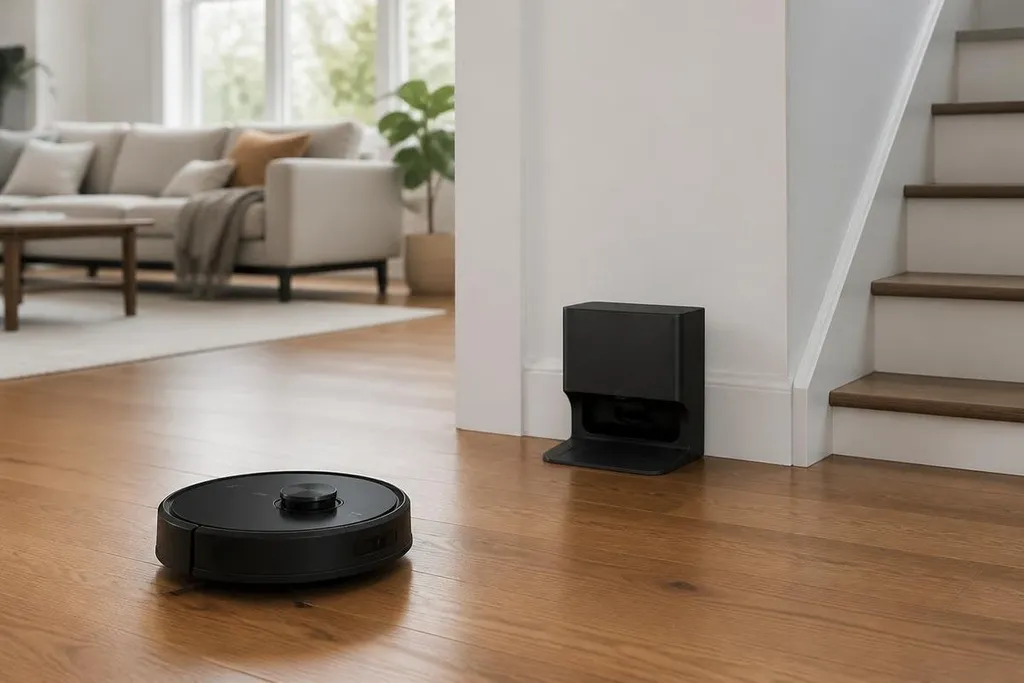
A cleaning robot can map rooms, run on a schedule, and return to its dock without being told each time. Those tasks turn floor cleaning into a small home automation system, though the useful parts depend on setup, sensors, and the layout of your home.
- Room maps can guide where the robot cleans.
- Schedules can run when nobody is using the floor.
- App alerts can show a missed area or a full bin.
The robot starts with a map
Most robot vacuums use sensors to measure walls, furniture, and open floor. Some use LiDAR, which measures distance with laser light. Others use cameras, infrared sensors, or a mix of sensor types.
Those readings become a map in the app. You can then name rooms, mark areas to avoid, or send the robot to one part of the home. A kitchen with chairs, mats, and a narrow gap may need more careful mapping than an open hallway.
That map also gives the robot a record of where it has cleaned. If it runs low on charge, it can return to the dock, recharge, and continue when the model supports that function.
The benefit is less repeated work from you, not a guarantee that every corner gets clean.
Schedules make cleaning automatic
A schedule can start the robot at a set time on chosen days. You might run it after breakfast, while the home is empty, or after a pet has finished eating. The robot still needs clear floor space, since cords, loose clothing, and small objects can block its path.
App controls can add another layer. A robot may send an alert when its dust bin needs attention, when a brush is blocked, or when it cannot reach the dock. These messages turn a silent cleaning task into something you can check from a phone.
That connection can also link the robot with a wider home system. A voice assistant may start a cleaning run, while a home routine may wait until the door is locked. The exact options depend on the robot, the app, and the other products in your home.
The smart-home link matters only if the cleaner can handle furniture, thresholds, and closed doors. Robot24.com puts those home limits beside the sensors, maps, and control software used by mobile robots.
The floor still sets the rules
A map does not tell the robot what every object is. A camera-based model may identify a shoe or cable, while another model may push into it or stop. Dark floors, reflective surfaces, steps, and thick rugs can also change how sensors read the room.
Mopping adds more work. The robot needs a filled water tank, a clean pad, and a floor that can handle the amount of water it releases. Dried spills, corners, stairs, and clutter remain hard jobs for small machines.
Privacy matters too. A robot with a camera can collect images or room data as it moves. Before buying, check what the app stores, where the data goes, and which controls let you remove an account or map.
I'd wait on any model that makes broad claims about home intelligence without explaining its sensors, data settings, and cleaning limits.
A practical buying checklist
Use these checks before choosing a robot for your home:
- Map control: Check whether you can name rooms, set no-go zones, and edit the map.
- Object handling: Look for the types of items the robot can detect, then clear anything outside that range.
- Dock space: Measure the area around the dock so the robot can leave and return without a blocked path.
- Care work: Check how often you must empty the bin, wash the filter, replace brushes, or clean the mop pad.
- Data settings: Read the app controls for cameras, maps, account access, and stored images.
The smartest setup is usually the one that matches the floor, furniture, pets, and time you have for upkeep. A robot that cleans a clear floor on a fixed schedule can reduce daily chores; a home with stairs, cables, and clutter may still need a person for the hard parts.